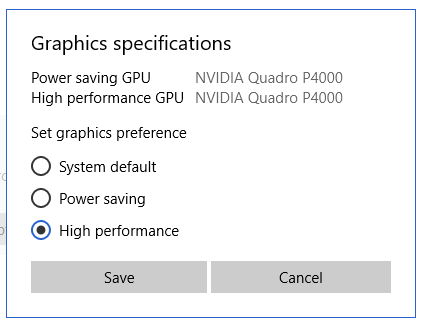
A graphics card can be an important item, especially when working in 3D.
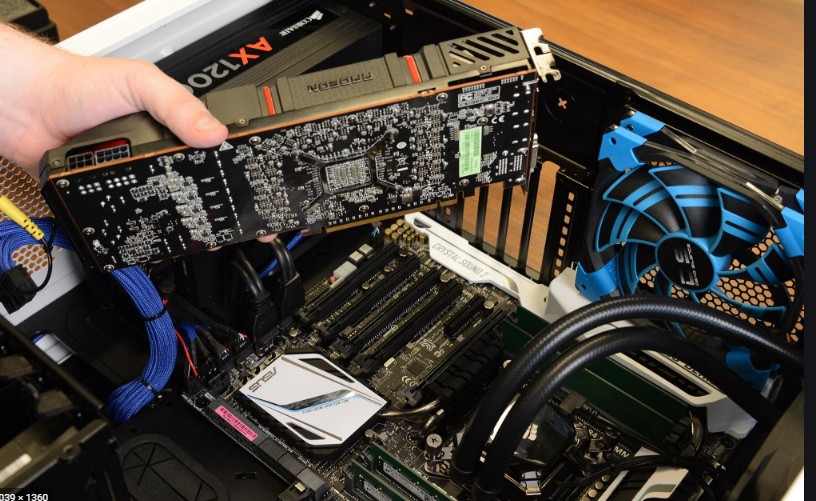
processor, RAM, and dedicated graphics card (GPU). If these images are on a local network, anetwork card – gigabit (1 Gbps) – is also necessary. If they are stored on your local machine's disk (or even for processing), a high-speed access disk is also highly recommended ( NVMeSSD, or, if budget is a constraint, a, 7200 RPM hard drivewhich generally delivers data 30% faster than a 5400 RPM hard drive). Recently, NVMe (M.2) memory has emerged, which is an even faster version of SSD. See some configurations recommended by ESRI, adapted and translated by Forest-GIS: ESRI updated the hardware requirements for ArcGIS PRO 3.x in 2025. Let's focus on this one, as it demands the most. For QGIS and ArcMap, see below: Requirements to run ArcGIS PRO 3.6 (Nov. 2025) Click here
and run the official Esri tester to see if your computer meets the minimum requirements.
Configurations for
ArcGIS Pro 3.X-3.5 (2025)
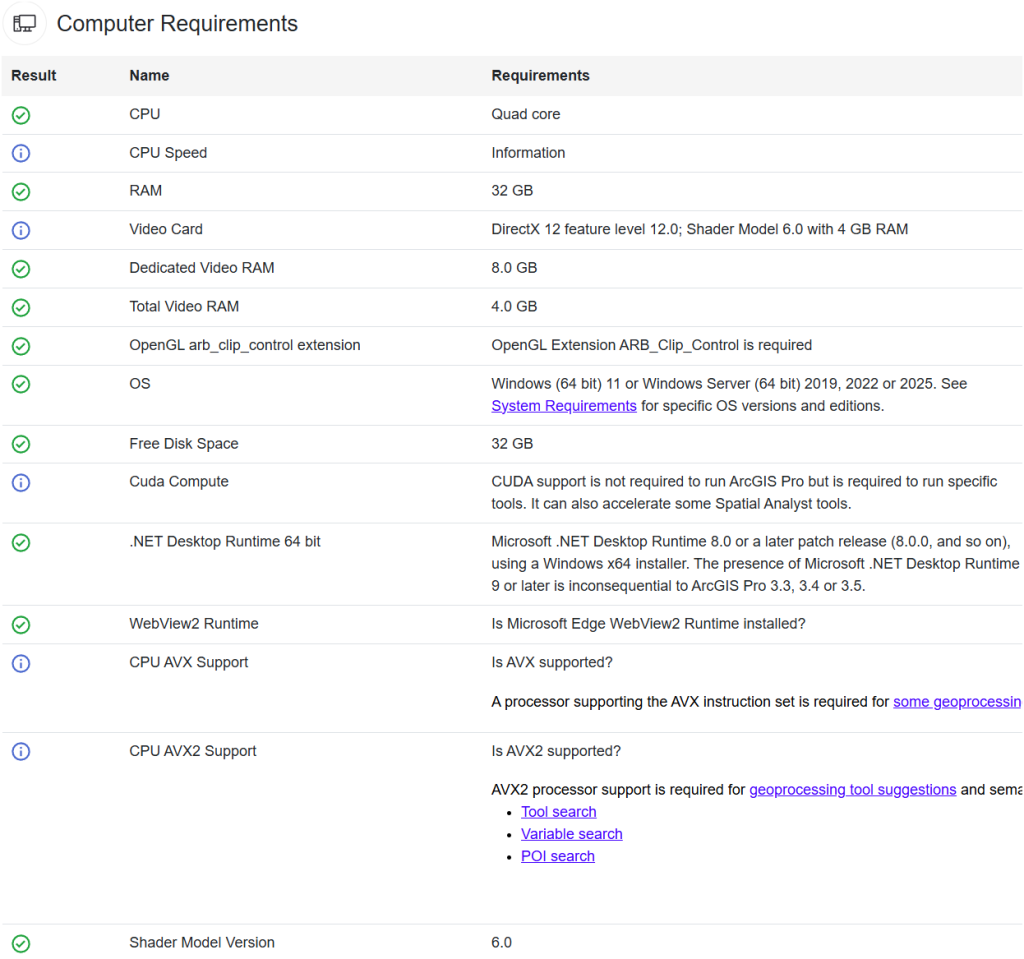
(Like Windows 11 64-bit). Want to run on Mac? Click here:
Minimum:
- 2 cores with simultaneous multithreading (4 threads, e.g., Intel Core i3 or AMD Ryzen 3).: Recommended: 4-6 cores with high clock speed (e.g., Intel Core i7-13700K or AMD Ryzen 7 7800X3D, up to 5.4 GHz). Ideal (2025):)
- 10-16 cores with high performance per core (e.g., Intel Core i9-14900K with 8 performance cores + 16 efficiency cores, or AMD Ryzen 9 7950X3D with 16 cores). For workflows like Full Motion Video or deep learning, 12-24 threads are ideal.Why upgrade?
- In 2025, ArcGIS Pro uses more cores for parallel tasks (e.g., Spatial Analyst, machine learning). CPUs like the i9-14900K offer a balance between clock speed (crucial for single-threaded tasks) and multithreading (for complex analyses).Disk Storage:
- Minimum: 32 GB of free space
- Recommended: 64 GB of free space on an NVMe SSD (e.g., Samsung 990 Pro or Sabrent Rocket 5).
Ideal (2025):
- 1 TB or more on NVMe SSD for large projects, with a second SSD for data (e.g., 1 TB for operating system + 1 TB for ArcGIS files). The preview cache can temporarily use up to 32 GB. Why upgrade?
High-speed NVMe SSDs (with read/write speeds above 7000 MB/s) significantly reduce loading times for vector maps and geographic databases. RAM
Minimum:8 GB (still sufficient for basic tasks, but not ideal).
Recommended: 32 GB (standard for most GIS workflows).
Ideal (2025):
- 64 GB or 128 GB for intensive projects (e.g., big data analysis, 3D GIS, or multitasking with other software). DDR5 with 5600+ MT/s and low latency (e.g., CL30) is preferred over DDR4. Why upgrade?
In 2025, complex 3D projects and deep learning tools consume more RAM. 64 GB is the minimum for high-demand users, with 128 GB recommended to avoid bottlenecks in multitasking or large datasets. GPU / Graphics Processor
Minimum: 64 GB ou 128 GB para projetos intensivos (e.g., análises de big data, 3D GIS, ou multitarefa com outros softwares). DDR5 com 5600+ MT/s e baixa latência (e.g., CL30) é preferível a DDR4.
Por que atualizar? Em 2025, projetos complexos em 3D e ferramentas de deep learning consomem mais RAM. 64 GB é o mínimo para usuários de alta demanda, com 128 GB recomendado para evitar gargalos em multitarefa ou grandes datasets.
GPU / Processador Gráfico
- Mínimo
NVIDIA GPU with CUDA compute capability 3.7 (e.g., GeForce GTX 1060 with 6 GB VRAM).Recommended
NVIDIA GPU with CUDA 7.5 or higher (e.g., GeForce RTX 4070 with 12 GB VRAM or RTX A4000 with 16 GB VRAM) supporting DirectX 12 (level 12.0) and Shader Model 6.0. Ideal (2025):
[[[NVIDIA GPU with CUDA 8.6 or higher (e.g., GeForce RTX 4080 with 16 GB VRAM or RTX A6000 with 48 GB VRAM) for deep learning, GPU-accelerated spatial analysis, and 4K 3D visualizations.]]]
Dedicated Graphics MemoryMinimum
6 GB VRAM (sufficient for basic visualizations).Recommended
16 GB VRAM (for 3D and spatial analysis).Ideal
24 GB or more (for deep learning or large 3D scenes). Why upgrade?
ArcGIS Pro 3.4 (2025) uses NVIDIA GPUs with CUDA to accelerate tools like Spatial Analyst and deep learning. RTX 40/50 series GPUs (e.g., RTX 5080 with 16 GB) offer better performance for 3D visualizations and GPGPU computing.
MORE REQUIREMENTS
- Before installing PRO, you will need to install: 8.0.0 or Microsoft .NET Desktop Runtime a later patch release
- (8.0.1 and so on) Microsoft Edge WebView2 Runtime
version 117 or later
—-PREVIOUSLY ➥Settings for ArcGIS 10.8 and ArcGIS Pro 2.7 (2021) - users of high:
- demand Processor: 2.2 GHz Hyper-threading or Multi-core (Intel i7, i9, AMD Ryzen 7 or latest Xeon);
- Only 64-bit processors to run PRO 2.4. It will no longer run on Windows 7 starting in 2020. Graphics Card (GPU): 24-bit, dedicated openGL, 4 GB recommended by ESRI. (Nvidia Quadro k5000 or Quadro P4000, Radeon RX or PRO, for example).)For ArcMap, a GPU with 64 MB is sufficient . See this article we published
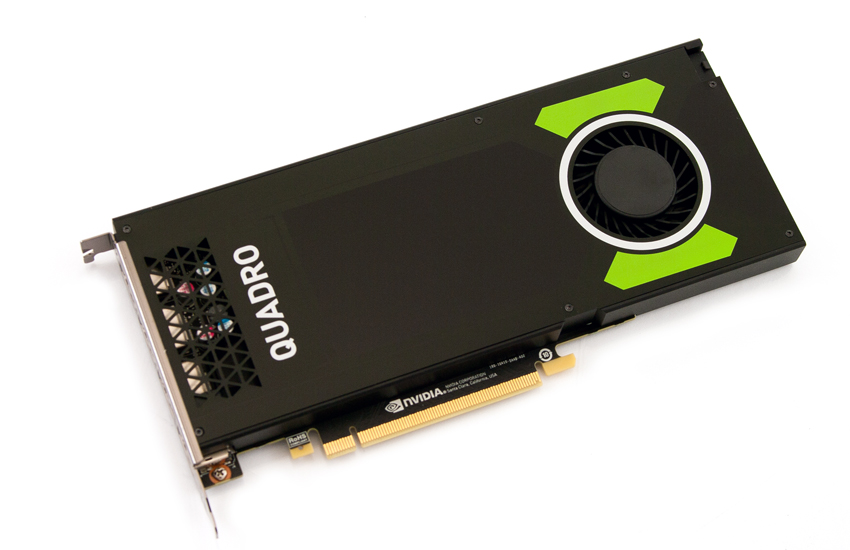
- The Nvidia Quadro P4000, a GPU widely used by ArcGIS PRO users Network Card:
- For data on a local network, prefer gigabit / 1 Gbps card, assuming your local network is also gigabit; otherwise, it won't make a difference. Memory RAM:
- Minimum 8 GB, although 16 GB is recommended by ESRI. Disk: NVMe or M.2 SSD
(solid state drive—more expensive) or even a 7200 rpm mechanical HDD that still delivers faster data than traditional 5400 rpm HDDs. Minimum of 32 GB free.
➥For regular ArcGIS users, without using image processing, 3D, or large databases all day, ESRI publishes hardware recommendations with each new version. Settings for ArcGIS 10.6.x or Pro 2.2 – normal demand users:
- CPU speed: Minimum 2.2 GHz (Xeon, Intel i5 or i7, Ryzen 5 or 7)
- Platform: Windows 32 or 64 bits (ArcGIS PRO only runs on 64-bit Windows 10)
- Memory/RAM: Minimum 4 GB | Recommended: 8 GB | Optimal: 16+ GB
- Graphics Card: Minimum 256 MB with OpenGL and 2 GB for ArcGIS PRO (supporting NVIDIA, ATI, AMD, and Intel with the latest video driver installed), preferably dedicated.
- Video Resolution: Minimum 1024×768 at 96 dpi
- Disk: NVMe SSD recommended, but a 7200 rpm SATA HDD will work well. Minimum: 4 GB | Recommended: 6 GB or more. 32 GB for ArcGIS PRO 2.4
Remember, these configurations are for the year 2020. In the fast-evolving world of computing, what is recommended today may be outdated tomorrow. Always check the ESRI website for the latest version recommendations.
- You can run this automatic analyzer to see if your setup meets ArcGIS PRO requirements.
- HP and ESRI have a partnership website listing some compatible and recommended hardware – check here and here
- See how to use GPU for geoprocessing (here also)
Related
How to force ArcGIS PRO to use your GPU?
-
Many modern PCs come with dedicated GPU (video card). This article will show you how to configure your system to make the most of these powerful processing units, especially when using ArcGIS PRO, ArcMAP, QGIS, or other software.
-
Your computer can contribute to the fight against Covid-19. Learn How